
Your screenplay title page is the first thing industry readers see, and formatting errors often trigger immediate rejection before your story gets a fair chance. Many writers spend months perfecting their script's dialogue and structure, only to lose opportunities because of avoidable title page mistakes. This article walks you through the essential 2026 formatting standards, covering font requirements, credit placement, common misconceptions, and practical tools to ensure your screenplay makes the right first impression with gatekeepers.
Table of Contents
- Why The Screenplay Title Page Matters
- Essential Formatting Rules For Screenplay Title Pages
- Handling Writer Credits And Additional Information
- Common Misconceptions About Screenplay Title Pages
- Tools And Tips For Ensuring Proper Title Page Formatting
- Bridging Title Page Formatting To Submission Success
- Get Expert Script Feedback To Perfect Your Title Page And Script
- Frequently Asked Questions About Screenplay Title Pages
Key takeaways
| Point | Details |
|---|---|
| First impression matters | The title page sets professional tone and signals industry knowledge to readers. |
| Use standard formatting | 12-point Courier font with 1.5 inch left margin and 1 inch on other sides is mandatory. |
| Credit placement is precise | 'Written by' and author name appear two lines below the centered title. |
| Minimize extras | Draft dates, copyright symbols, and WGA numbers are optional and often omitted. |
| Professional layout increases readability | Clean, uncluttered design improves chances scripts pass initial gatekeeping filters. |
Why the screenplay title page matters
The title page is the first element that agents, producers, and script readers encounter when they open your screenplay. A poorly formatted title page sends an immediate signal that you lack familiarity with industry standards, and professionals decide whether to read a script based on title page professionalism. This judgment happens in seconds.
Many scripts never make it past the title page because readers assume formatting errors extend throughout the entire screenplay. When your title page follows established conventions, you demonstrate respect for industry norms and signal that your work deserves serious consideration. This small attention to detail can mean the difference between your script landing in the "consider" pile or the rejection stack.
Readers process dozens of scripts weekly, and they use visual cues to assess professionalism quickly. A clean, properly formatted title page creates trust and encourages readers to engage with your story. Conversely, unconventional fonts, misplaced credits, or cluttered layouts trigger skepticism about your understanding of screenwriting craft, even before examining character analysis insights or plot structure.
"Your title page is your handshake with the industry. Make it firm, confident, and respectful of established norms."
Think of the title page as your screenplay's business card. It conveys critical information in a standardized format that professionals expect. When you deviate from these expectations, you risk immediate dismissal regardless of your story's quality.
Essential formatting rules for screenplay title pages
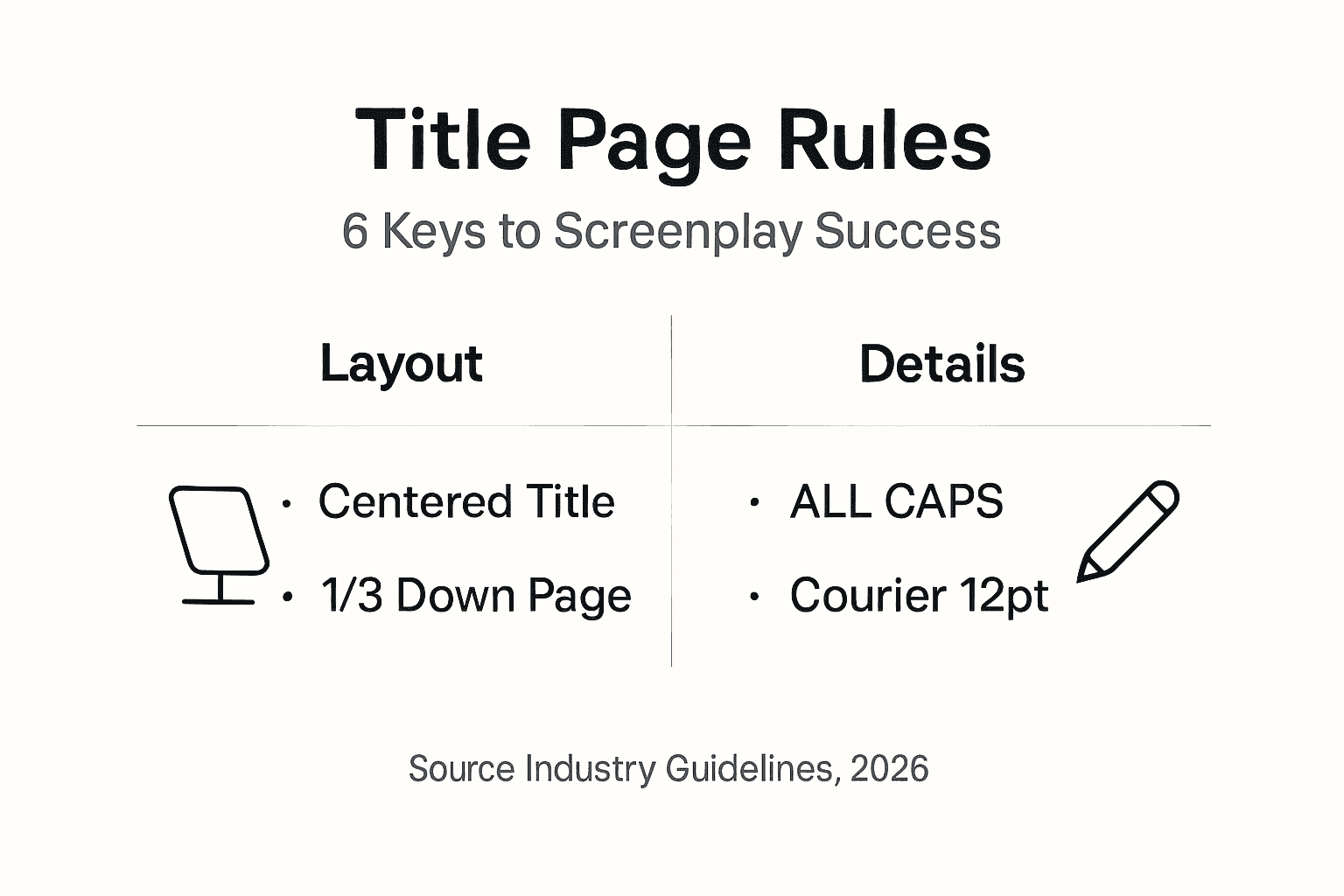
Industry standards for screenplay title pages remain consistent across production companies, agencies, and festivals in 2026. Title pages must use 12-point Courier font with 1.5 inch left margin and 1 inch others. This specific margin configuration accommodates binding while maintaining readability.
Here's the exact layout structure your title page should follow:
- Font: 12-point Courier or Courier New throughout the entire page
- Margins: Left margin at 1.5 inches, top/bottom/right margins at 1 inch
- Title placement: Centered and in ALL CAPS, positioned approximately one-third down the page
- Byline: The phrase 'Written by' appears centered, two lines below the title
- Author name: Centered, one line below 'Written by'
- Contact information: Bottom left or bottom right corner in standard case
The title should appear roughly 3.5 to 4 inches from the top of the page. This positioning creates visual balance and draws the reader's eye naturally to your screenplay's name. Never underline the title, use quotation marks, or apply any special formatting beyond capitalization.
For contact information, include only essential details: your name, phone number, email address, and optionally your city and state. Avoid including full street addresses, as they consume valuable space and aren't necessary at the submission stage. Here's a practical format:
- Position contact block in bottom left or right corner
- Include your legal name (if different from pen name)
- Add a working phone number with area code
- Provide a professional email address
- Optionally add your city and state location
Many writers use script coverage services to verify their title page formatting before submitting to competitions or producers. These services catch common errors that writers often overlook after staring at their own work for months.
Pro Tip: Set up a title page template in your screenwriting software and save it for future projects. This eliminates formatting guesswork and ensures consistency across all your scripts.
| Element | Position | Formatting |
|---|---|---|
| Title | Centered, 1/3 down page | ALL CAPS, no underline or quotes |
| Byline | Centered, 2 lines below title | Standard case: "Written by" |
| Author name | Centered, 1 line below byline | Standard case or Title Case |
| Contact info | Bottom left or right corner | Name, phone, email, city/state |
Software like Final Draft, WriterDuet, and Celtx automate much of this formatting, but understanding the underlying rules helps you catch software errors and make informed adjustments when needed. Always review your exported PDF to confirm spacing and alignment appear correctly before sending.

Handling writer credits and additional information
Writer credits require precise placement and wording to maintain professional credibility. Writer credits must follow exact industry norms to avoid confusion about authorship and collaboration. When multiple writers contribute to a screenplay, the formatting reveals their working relationship.
If your screenplay adapts existing material, place the 'Based on' credit below the author's name. For example:
- Line 1: TITLE IN ALL CAPS
- Line 2: (blank)
- Line 3: (blank)
- Line 4: Written by
- Line 5: Your Name
- Line 6: (blank)
- Line 7: Based on the novel by [Author Name]
When crediting story contributions separate from the screenplay itself, insert a 'Story by' line between the title and the 'Written by' line. This acknowledges the original story creator while clarifying who adapted it into screenplay format. The hierarchy flows from title to story credit to screenplay credit.
Collaboration credit formatting follows specific conventions:
- Use an ampersand (&) when writers worked as a team: "Written by John Smith & Jane Doe"
- Use "and" when writers worked separately: "Written by John Smith and Jane Doe"
- This distinction matters for Writers Guild of America credit arbitration
Some writers include a revision date or draft number in the bottom right corner opposite their contact information. This practice remains optional in 2026. Emerging writers often omit dates to avoid suggesting their script has been circulating for years without success. Established writers may include dates to track version history when working with producers.
Copyright symbols and WGA registration numbers appear less frequently on modern title pages. While some writers include these elements, they occupy valuable visual space and provide minimal practical benefit. Your work receives copyright protection automatically upon creation, regardless of whether you display the symbol. Focus on story credit examples and let your script's quality speak for itself.
When formatting collaborative credits, maintain consistent spacing and alignment with the rest of your title page. All text should use the same 12-point Courier font, and credit lines should remain centered like the individual author name.
Common misconceptions about screenplay title pages
Many screenwriters hold outdated beliefs about title page requirements, often based on advice from pre-digital era screenwriting books. Including a copyright symbol or WGA number is not mandatory for legal protection, yet writers continue adding these elements thinking they prevent theft.
Here are the most persistent title page myths:
- Myth: You must display a copyright symbol to protect your work
- Reality: Copyright protection applies automatically when you create original work
- Myth: WGA registration numbers prove ownership and should appear on the title page
- Reality: Registration provides evidence but doesn't need to be advertised on your script
- Myth: Draft dates show professionalism and version control
- Reality: Dates can make scripts appear stale or suggest repeated rejection
The minimalist approach wins in 2026. Industry readers prefer clean, uncluttered title pages that convey essential information without distraction. Adding unnecessary elements like registration numbers, multiple draft designations, or legal disclaimers creates visual noise and suggests insecurity about your work.
Decorative fonts and graphic elements never belong on screenplay title pages. Some writers try to make their title pages "stand out" by using stylized fonts, colored text, or border designs. These attempts backfire because they violate industry standards and signal amateurism. Your screenplay should stand out because of your compelling story and sharp dialogue, not because of font choices.
Pro Tip: If you're worried about proving creation date for copyright purposes, email yourself a copy or use WGA registration for peace of mind, but keep that information off your title page.
Another common misconception involves agent and manager information. New writers sometimes include phrases like "Representation available upon request" or list themselves as their own manager. These additions appear desperate and unnecessary. If you have representation, list your agent or manager's contact information instead of your own. If you don't have representation, simply include your direct contact details without commentary.
The draft date question deserves special attention. While television scripts often include draft dates as standard practice, feature film scripts benefit from ambiguity. Producers want to feel they're discovering fresh material, not reading a script that's been circulating for years. Unless specifically requested, omit draft dates from your feature screenplay title pages.
Tools and tips for ensuring proper title page formatting
Screenwriting software automates much of the formatting process, but industry-standard screenwriting software automates correct formatting but manual verification is essential. Even the best software can introduce errors when exporting to PDF or when custom settings override industry defaults.
Use these practical tools and methods to ensure your title page meets 2026 standards:
- Final Draft, WriterDuet, or Celtx: Set up your title page using built-in templates
- PDF export review: Always check the exported PDF before submitting
- Peer feedback: Have another screenwriter review your title page for errors
- Print test: Print your title page to verify margins and spacing appear correct
Manual verification catches problems that software misses. Check that your title centers properly on the page, with equal whitespace on the left and right sides. Confirm your contact information aligns correctly in the bottom corner without crowding the page edge. Verify the font size remains consistent at 12-point throughout.
Common software errors to watch for include:
- Title drifting slightly off-center due to margin miscalculation
- Contact information wrapping awkwardly or extending too close to page edge
- Inconsistent line spacing between title and byline elements
- Font substitution when exporting to PDF on different operating systems
Pro Tip: Create a title page checklist and review it before every submission. Include items like font verification, margin measurements, credit accuracy, and contact information currency.
Before submitting your screenplay anywhere, ask a trusted fellow writer or use a script analysis service to review your complete package, including the title page. Fresh eyes catch errors you've become blind to after multiple revisions. This second opinion investment often prevents embarrassing mistakes that could cost you reading opportunities.
Test your screenplay's readability by sending it to your own email or mobile device. Open the PDF on different devices to ensure formatting remains consistent across platforms. Some PDF readers display fonts differently, and you want to catch any rendering issues before your script reaches industry professionals.
Bridging title page formatting to submission success
Strict adherence to formatting standards directly impacts whether your screenplay advances past initial screening rounds. Proper title page formatting increases trust and willingness of readers to engage with scripts. When gatekeepers see professional presentation, they approach your story with an open mind rather than skepticism.
A clean title page helps scripts clear gatekeeping filters quickly by:
- Signaling that the writer understands industry conventions and respects professional standards
- Reducing cognitive friction for readers who process dozens of scripts weekly
- Creating immediate visual confirmation that the script likely follows proper formatting throughout
- Establishing credibility before the reader encounters your first scene
Think of formatting as your screenplay's professional wardrobe. You wouldn't attend a business meeting in pajamas, and you shouldn't submit a screenplay with amateur formatting. The content of your script determines whether you get hired, but the presentation determines whether your content gets read at all.
Attention to detail on the title page correlates with positive reader feedback because it demonstrates your commitment to craft. Writers who master formatting typically also invest time in mastering story structure, character development, and dialogue. Readers recognize this pattern and reward it with more generous attention.
Comparing professional versus amateur title page approaches reveals the impact:
| Professional Approach | Amateur Approach | Reader Impact |
|---|---|---|
| Standard 12-point Courier font | Creative or decorative fonts | Immediate rejection signal |
| Clean, centered layout | Cluttered with legal notices | Distracting and unprofessional |
| Minimal essential information | Excessive details and dates | Suggests insecurity |
| Proper margin specifications | Inconsistent spacing | Difficult to read and bind |
Poor formatting results in immediate script dismissal because readers use the title page as a proxy for overall script quality. If you can't get the simple title page right, readers assume your script contains structural problems, formatting inconsistencies, and craft deficiencies. This assumption may be unfair, but it reflects industry reality.
Improving your title page formatting takes minimal time compared to the months you invest writing your screenplay. Yet this small effort multiplies your chances of script success by ensuring your work receives fair consideration rather than quick dismissal.
Get expert script feedback to perfect your title page and script
After perfecting your title page formatting, ensure your entire screenplay meets industry standards with professional analysis. Services like Roast My Script provide affordable AI-powered script coverage that evaluates your formatting, structure, character development, and dialogue within 1-2 days by email.
Professional feedback helps you identify formatting inconsistencies that extend beyond the title page, including scene heading errors, dialogue formatting problems, and action line issues that reduce readability. These services analyze your screenplay against established Hollywood methodologies from experts like Syd Field and Robert McKee, giving you actionable insights before you invest in expensive script consultants.

Your screenplay deserves the same attention to detail throughout that you applied to your title page. Roast My Script bridges the gap between amateur presentation and professional submission packages by highlighting structural weaknesses and formatting errors that might cause rejection. At prices ranging from $9 to $25, you get brutally honest feedback that prepares your script for serious industry consideration.
Whether you're developing writing character-driven scripts or refining your dialogue, professional analysis helps you align your work with 2026 industry expectations before you submit to agents, producers, or screenplay competitions.
Frequently asked questions about screenplay title pages
Is it necessary to include my contact info on the title page?
Yes, always include your contact information so readers can reach you if they want to discuss your screenplay. Place your name, phone number, and email in the bottom left or right corner.
Can I add a draft date without looking unprofessional?
Draft dates are optional for feature films and can make your script appear stale if the date is old. Omit dates unless specifically requested or unless you're writing for television where dates are standard.
What is the standard font for the screenplay title page?
The standard font is 12-point Courier or Courier New, matching the font used throughout your entire screenplay. Never use decorative or stylized fonts.
Should I include a copyright or WGA number on my title page?
No, these elements are optional and unnecessary. Your work is automatically copyrighted upon creation, and displaying registration numbers clutters your title page without adding value.
Where exactly should 'Story by' credits be placed?
Place 'Story by' credits centered between your title and the 'Written by' line. This acknowledges the original story creator while clarifying who adapted it into screenplay format.